![Total-Response-logo-KBA.png]](https://helpcenter.totalresponse.com/hs-fs/hubfs/Total-Response-logo-KBA.png?height=40&name=Total-Response-logo-KBA.png)
- Log into Total Response Call Handler.
- Click on Tools > Options.
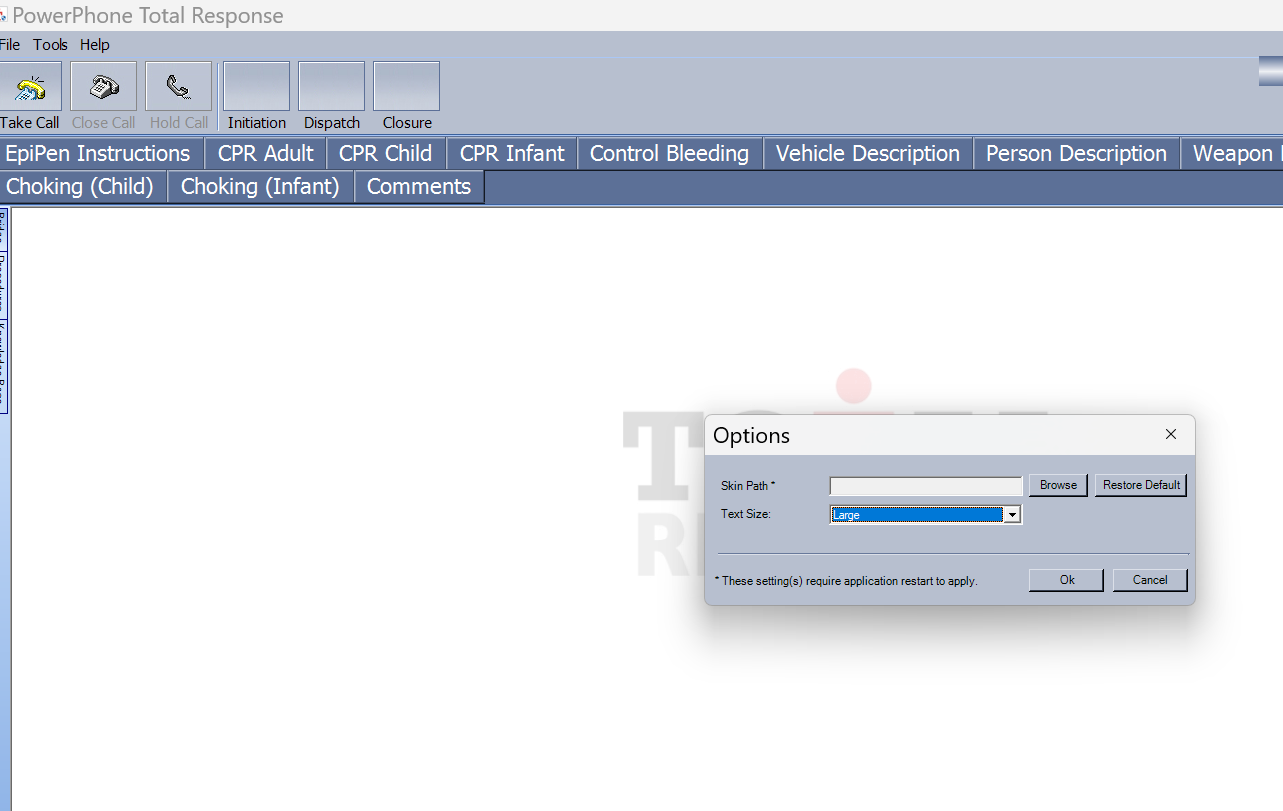
- Use the Text Size dropdown to select Default, Large, or XLarge.
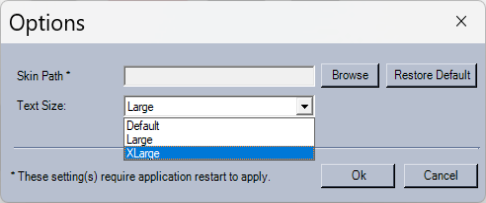
- Click Ok.
Note: Please do not modify any other settings in this section without discussions with your Total Response administrator.